
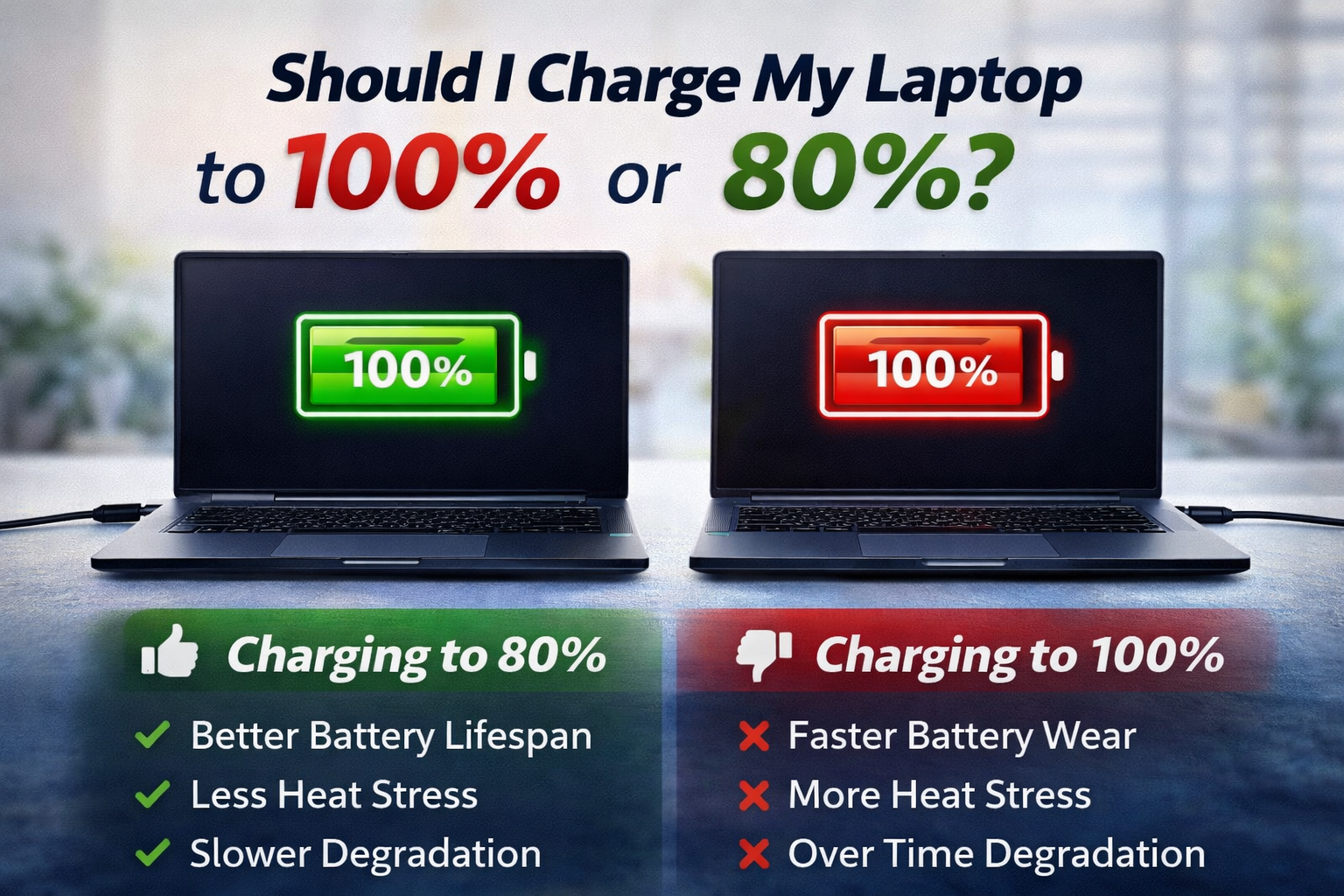
Should I Charge My Laptop to 100% or 80%?
Many laptop users often wonder: Should I charge my laptop to 100% or stop at 80%?
The answer depends on how you use your laptop and how much you care about long-term battery health.
Modern laptops use lithium-ion batteries, and the way you charge them directly affects battery lifespan.
Why Charging Habits Matter for Laptop Batteries
Laptop batteries slowly degrade over time. However, charging patterns can speed up or slow down this process.
Key factors that affect battery health:
- High charge levels for long periods
- Heat while charging
- Frequent full charge cycles (0% to 100%)
Understanding this helps you choose the right charging limit.
Charging Your Laptop to 100% – Is It Bad?
Charging to 100% is not harmful occasionally, especially when:
- You need maximum battery backup
- You are traveling or working without power access
- Your laptop will be unplugged soon after charging
Pros of Charging to 100%
- Maximum usage time
- Convenient for travel and outdoor work
Cons of Charging to 100%
- Faster battery wear if kept plugged in at 100% for long hours
- Increased heat stress on the battery
Best practice: Avoid keeping your laptop plugged in at 100% all the time.
Charging Your Laptop to 80% – Why Experts Recommend It
Most battery experts recommend keeping the charge between 20% and 80% for daily use.
Benefits of Charging to 80%
- Improves long-term battery lifespan
- Reduces heat stress
- Slows battery degradation
- Ideal for office and home use
That’s why many modern laptops now offer battery charge limit features (like 80% or 85%).
So, What’s the Best Charging Percentage?
Here’s a simple rule:
- Daily use (plugged in most of the time):
- Charge up to 80%
- Travel or long usage without charger:
- Charge up to 100%
- Avoid:
- Letting battery drop to 0% frequently
- Keeping laptop plugged in at 100% all day
Best Laptop Battery Charging Tips
- Keep battery level between 20%–80% when possible
- Avoid overheating (don’t block vents)
- Use original or certified chargers
- Enable battery charge limit settings if available
- Don’t leave laptop plugged in overnight every day
Related Posts