MacBook Overheating Issues: Causes and Solutions
MacBook overheating is a common issue that can affect performance and longevity. Here's everything you need to know about MacBook overheating and how to fix it:
Common Causes of MacBook Overheating
1. Dust Accumulation
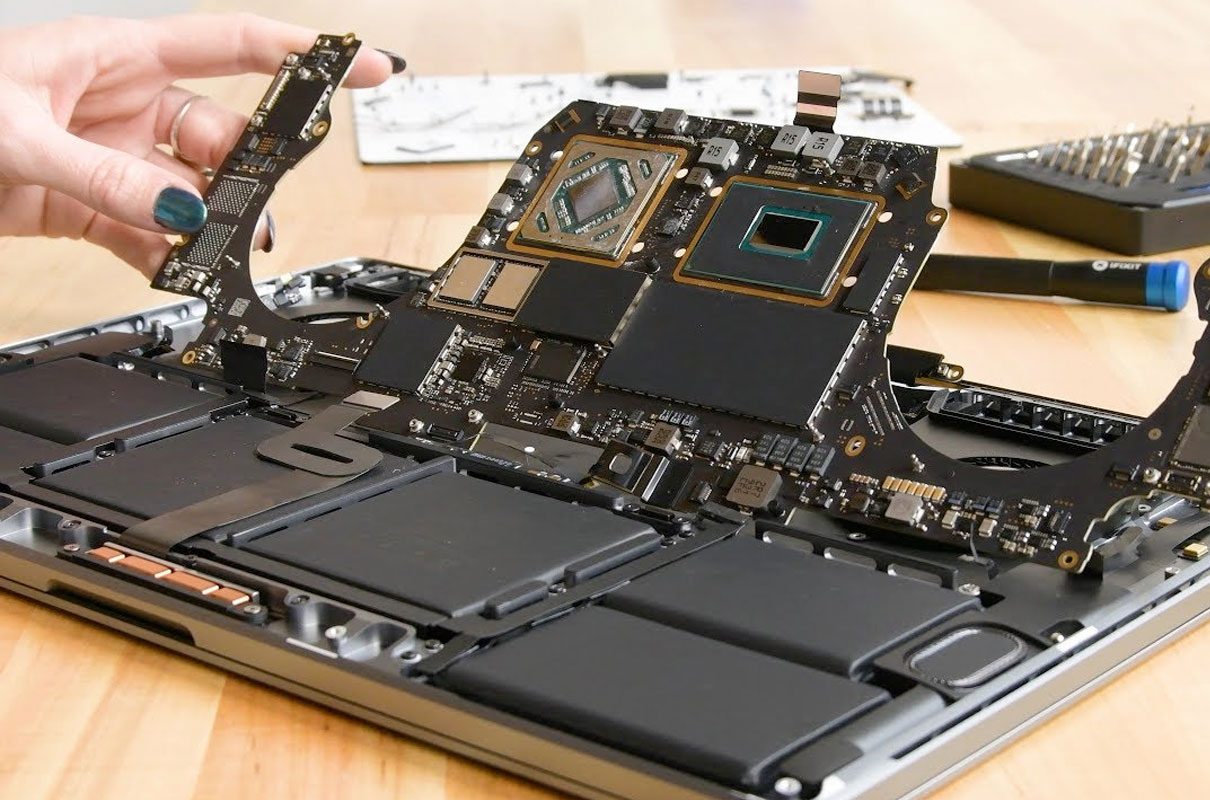
Over time, dust and debris can accumulate in your MacBook's fans and vents, blocking airflow and causing overheating. Regular cleaning is essential for optimal performance.
2. Heavy Resource Usage
Running resource-intensive applications like video editing software, games, or multiple heavy applications simultaneously can cause your MacBook to overheat.
3. Faulty Thermal Paste
The thermal paste between the CPU and heat sink can dry out over time, reducing heat transfer efficiency and causing overheating.
Solutions to Fix MacBook Overheating
1. Clean Your MacBook
Use compressed air to blow out dust from vents and fans. For deep cleaning, consider professional service to avoid damage.
2. Monitor Activity Monitor
Check Activity Monitor for processes consuming high CPU. Quit unnecessary applications to reduce heat generation.
3. Use a Cooling Pad
A laptop cooling pad can provide additional airflow and help maintain lower temperatures during intensive tasks.
4. Reset SMC (System Management Controller)
Resetting SMC can help resolve thermal management issues. The process varies by MacBook model.
When to Seek Professional Help
If your MacBook continues to overheat despite trying these solutions, it may need professional repair. Fixit.q8 offers comprehensive MacBook repair services in Kuwait, including thermal paste replacement, fan cleaning, and hardware diagnostics.
Related Posts